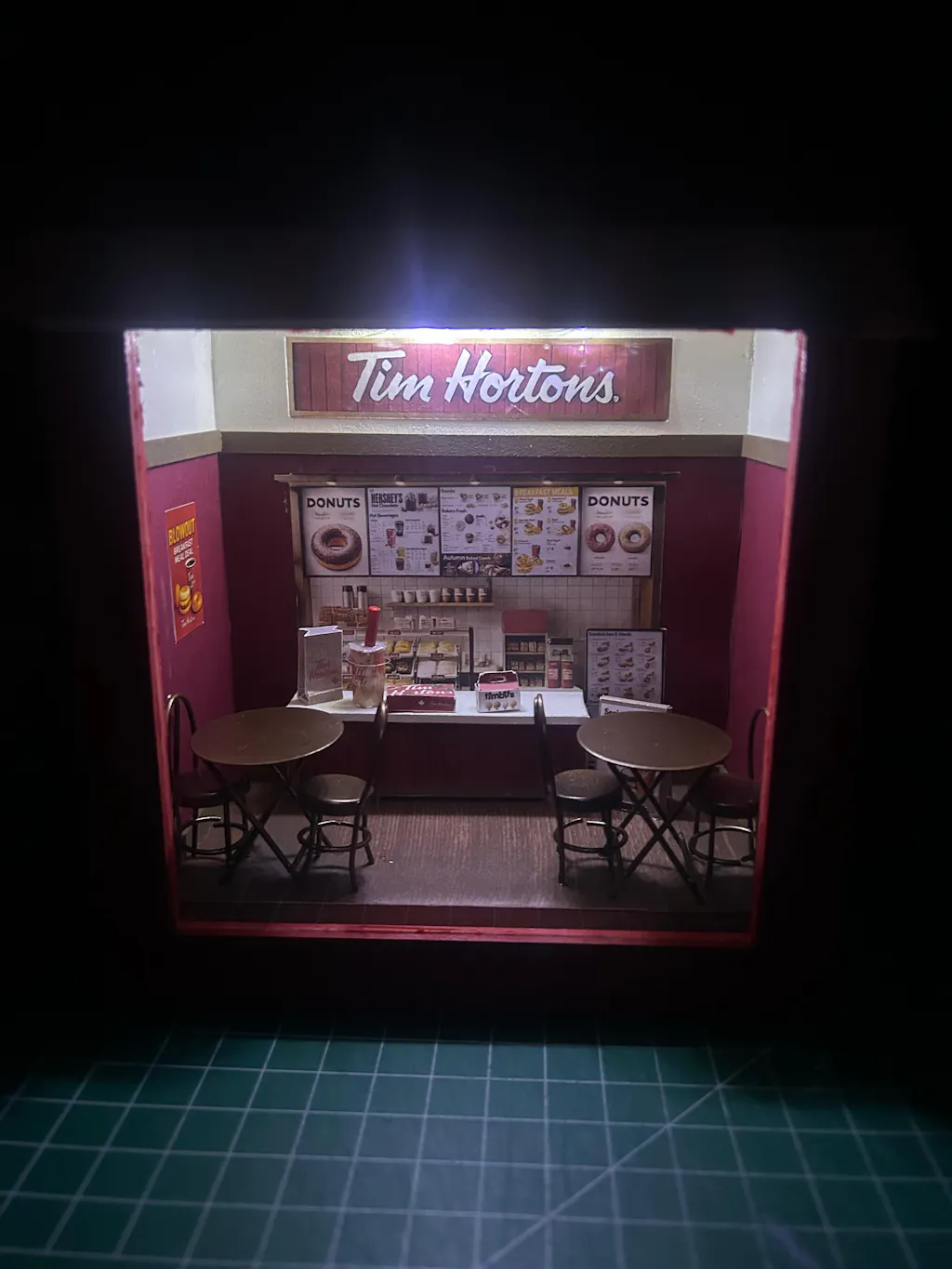
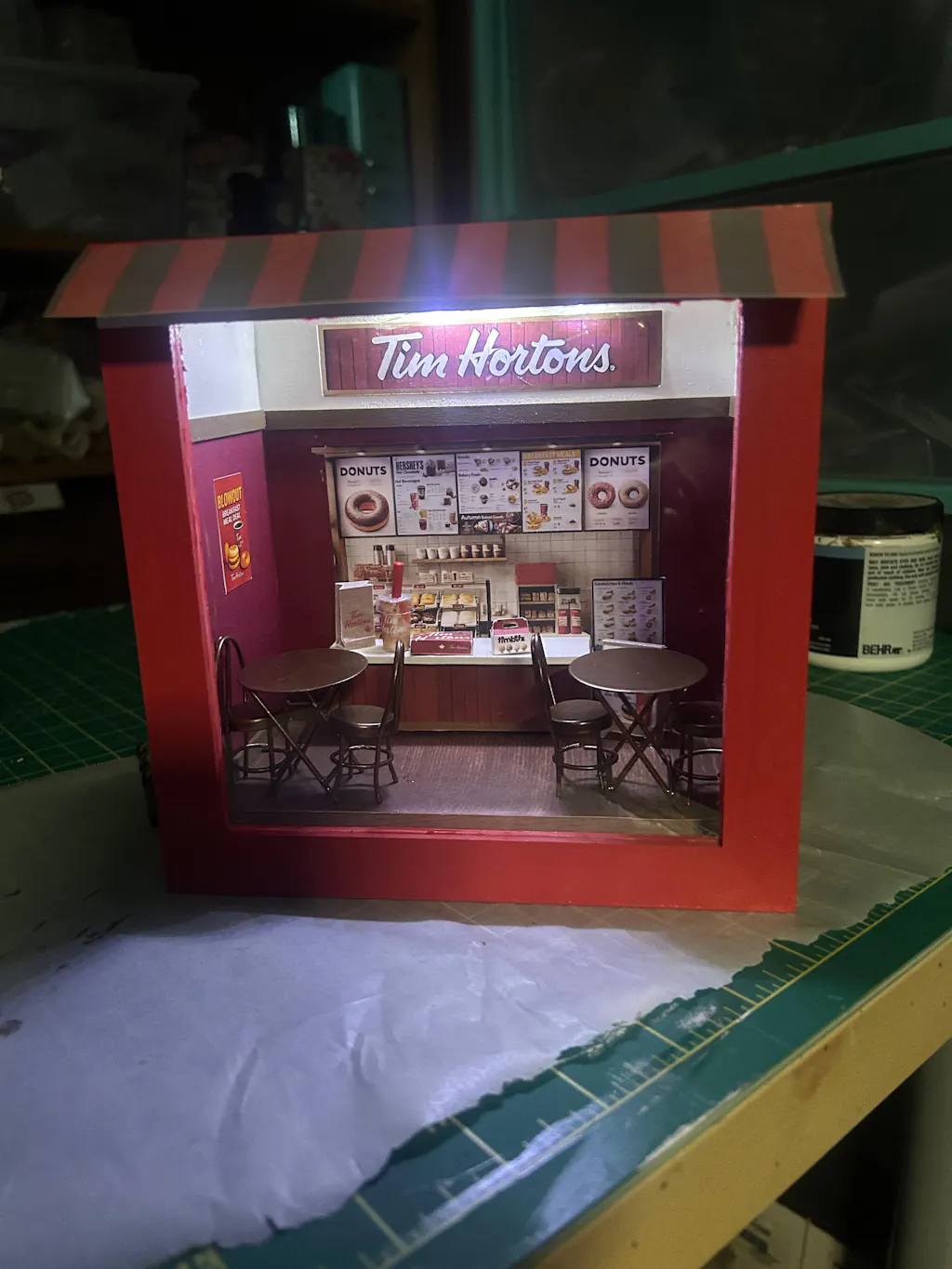
Tim Hortons coffee shop- DIY scenery miniature craft kit,,coffee cup, donut box, bag
4
reviews
$5.00 CAD
PDF & PNG Files
Easy Print, Cut & Glue
Pickup currently not available
Details
Whether as a wall decoration or a heartfelt gift, this customizable template lets you create a personalized tribute to the beauty of Tim Hortons. Perfect for marking any occasion, this printable template brings creative 3D design to life in the form of a charming Tim Hortons miniature. Download and personalize it for those who appreciate the delicate.
1. Please print the templates on cardstock paper for the best results. 2. Score along the lines to make folding easier. 3. If you'd like to display the design in a shadow box, make sure it's at least 5x7 inches in size with a depth of at least 2 inches. You may need to make slight adjustments, as photo frame sizes can vary a bit.
Important Information Before Purchase
This is a Paper Printable Template: Please ensure you have a paper printer available before purchasing. The download link (with PDF File) will be provided after payment, and an email copy will also include the link.
Let us know if you have any questions!
Paper Template Instructions
Folding Tips
Score Before Folding: Lightly score along fold lines using a ruler and a blunt tool (e.g., a butter knife or scoring tool). This ensures cleaner, more precise folds and prevents paper cracking.
File Specifications
High-Resolution Formats: Our digital files are provided in 300 DPI resolution, available in JPG, PNG, and PDF formats.
Recommended Format: Use the PDF file for printing to achieve the best results, ensuring sharp and accurate output.
Paper Recommendations
Regular Paper for Miniatures: Print miniatures on standard paper for optimal folding and assembly. Avoid glossy photo paper, as it may cause ink to smudge or tear during folding.
Small Items: Use 120g matte coated paper for small-scale items to balance durability and ease of folding.
Larger Items: For boxes, miniature stands, and photo miniature kits, print on 170g card stock paper for added sturdiness and a professional finish.
Printing Tips
Ensure your printer settings are set to “Best Quality” and “Actual Size” to maintain the intended dimensions and clarity.
Test print on scrap paper to verify alignment and color accuracy before using your chosen paper.
Please keep doing what you do
It helps me stay sane
One of the best reviews yet!! Every detail and creation is incredibly better than the original!! You are nuts!
s
stacy demarco
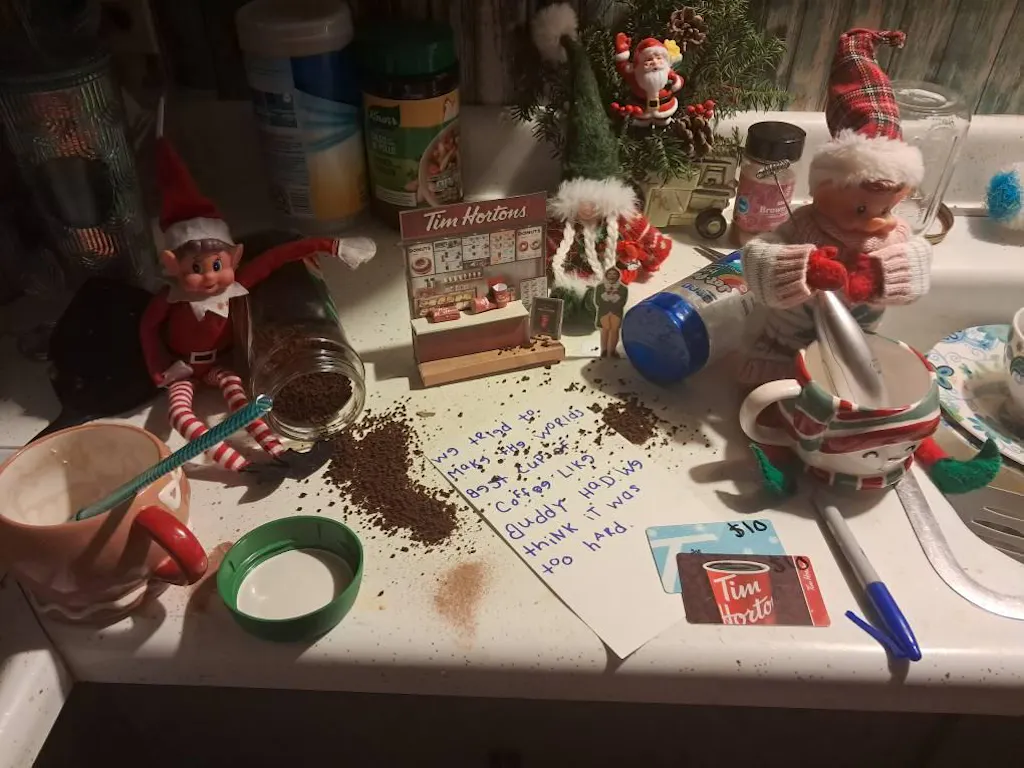
Great items, super easy to print and good quality. My only issue is how very tiny it is for being an Elf on the Shelf prop. It was substantially smaller than the elves. I printed from my phone and didnt have the energy to open it in photoshop on my computer to blow it all up to be elf size. My kids still thought it was cute with the elves sitting next to it, I just personally felt it was small.
G
Gabe
Looks like the image. Very easy to make
Thank you so much for your review!
U
Ulla
Meine Tim Hortons verrückte Tochter hat sich riesig über dieses besondere Andenken an ihr Kanada-Jahr gefreut- vielen Dank für diese tolle Idee!